Edit text in image, keep the original font
Upload a photo or screenshot, click the words and type new ones. retypeimage keeps the original font, color and background, so the change looks like it was always there.
- Same font, size and color, matched automatically
- Background repaired behind the new words
- Nothing outside your edit is touched
First preview is free. No sign-up needed to try.
Real results, original vs edited
Drag the slider. These were made with retypeimage, nothing retouched by hand.
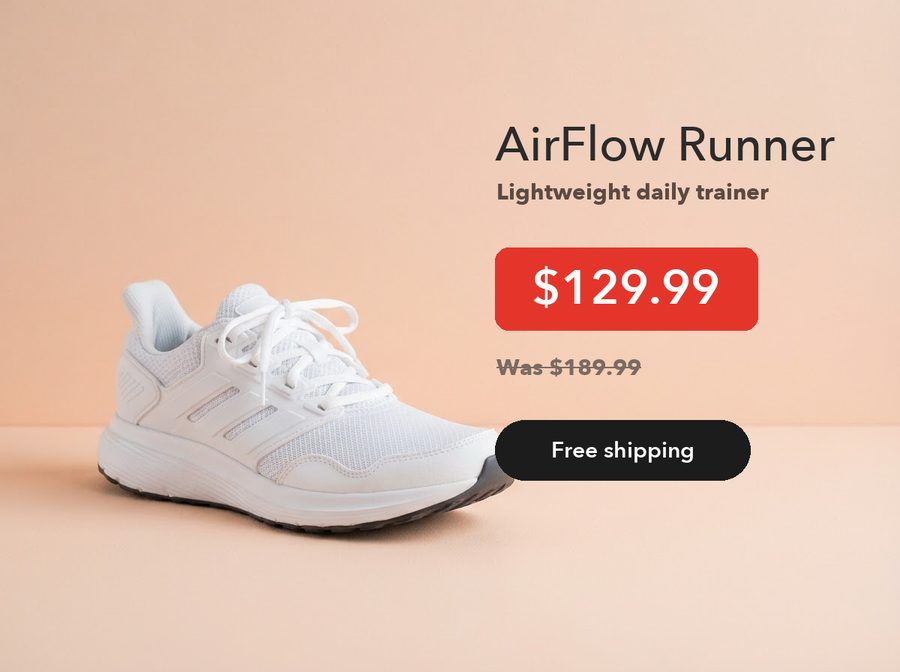
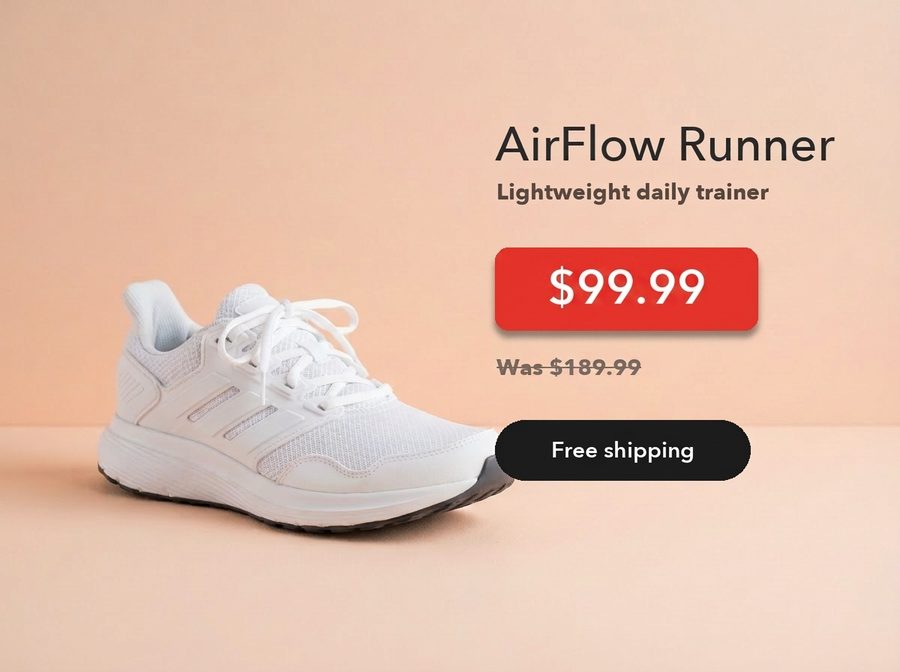 OriginalEdited
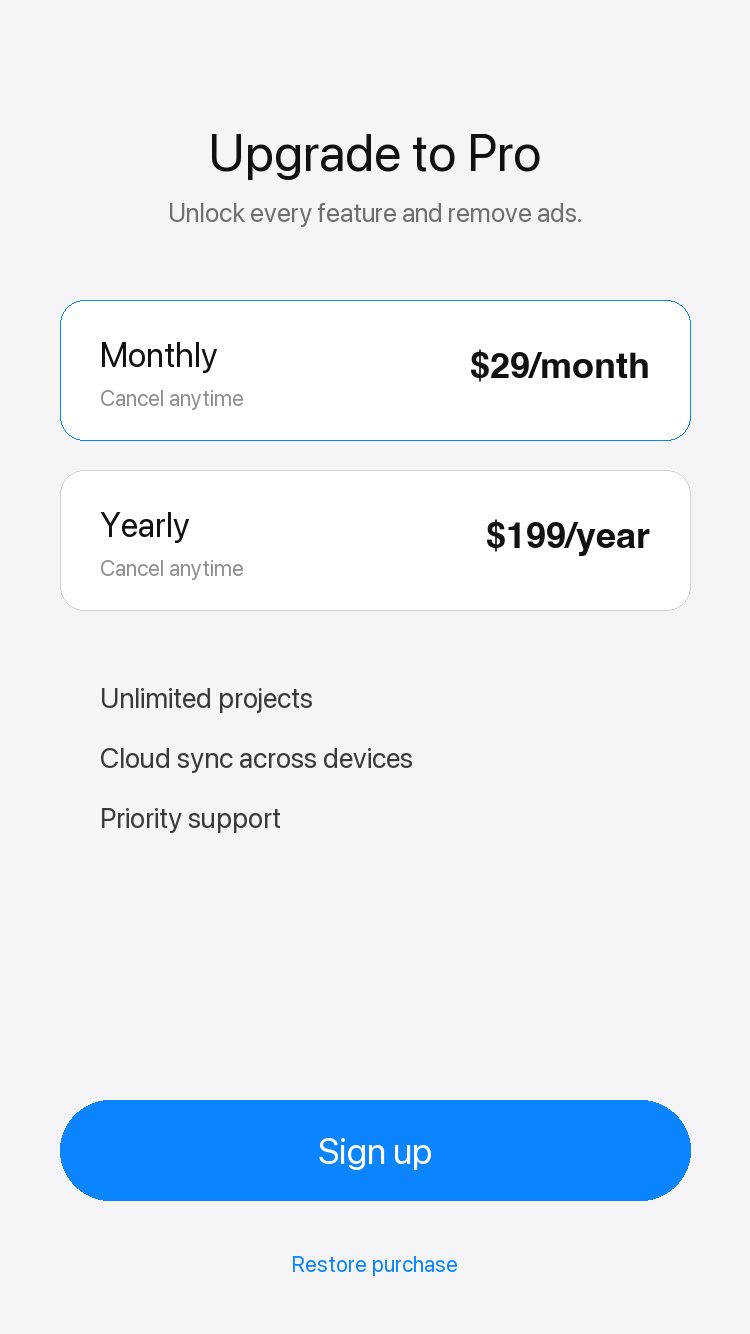
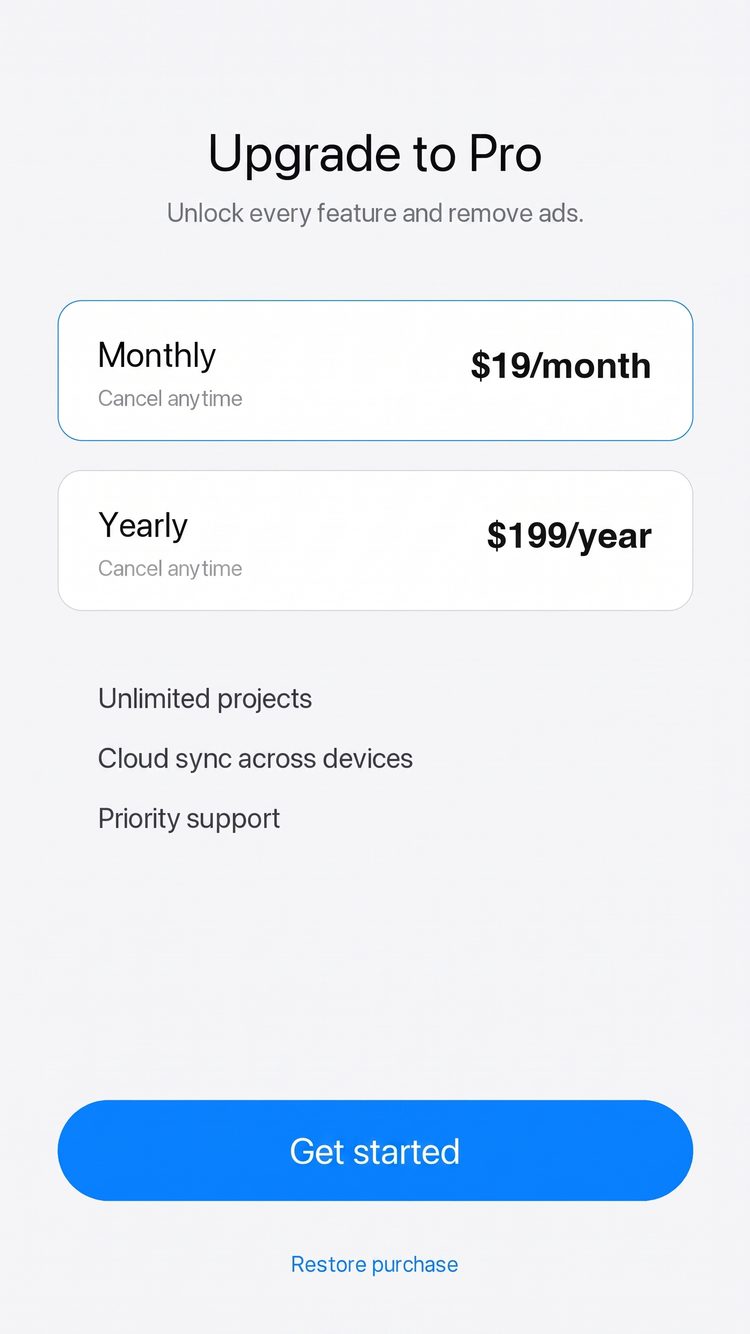 OriginalEdited
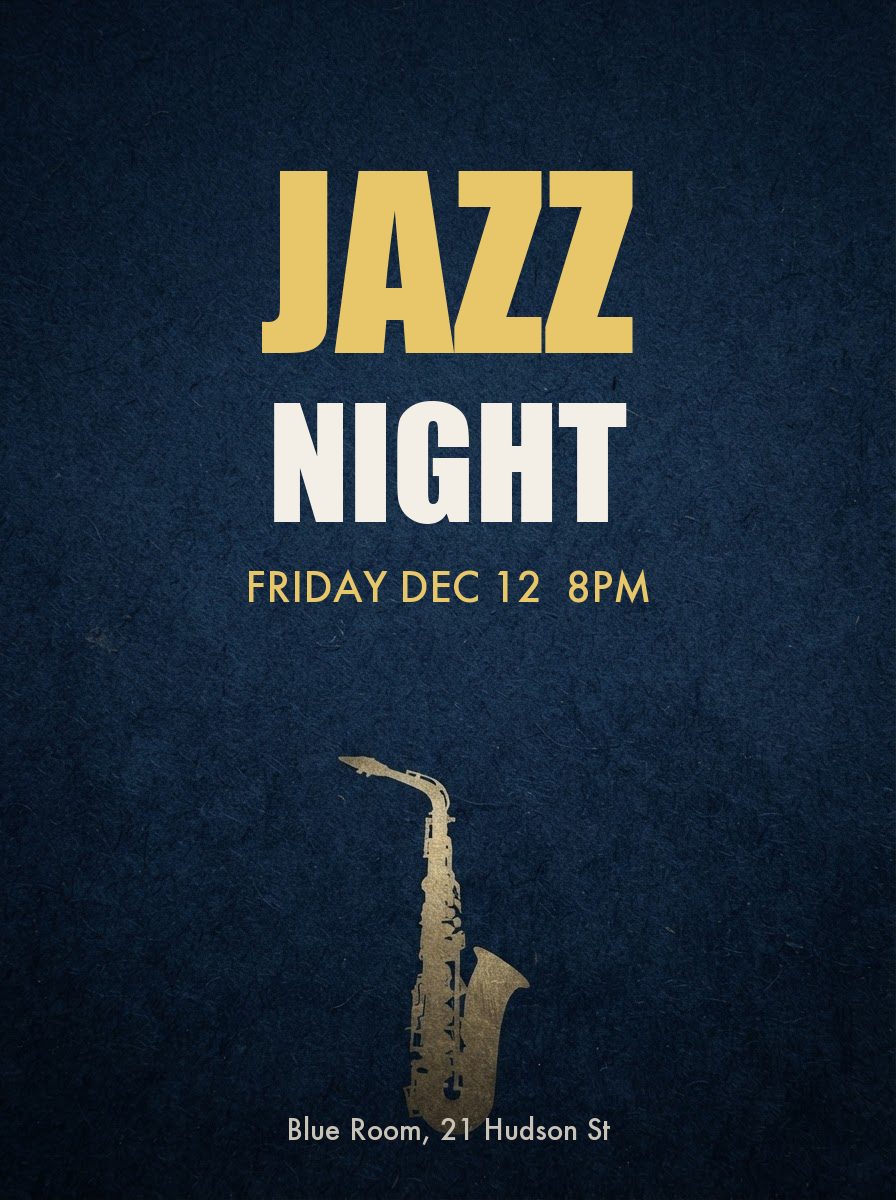
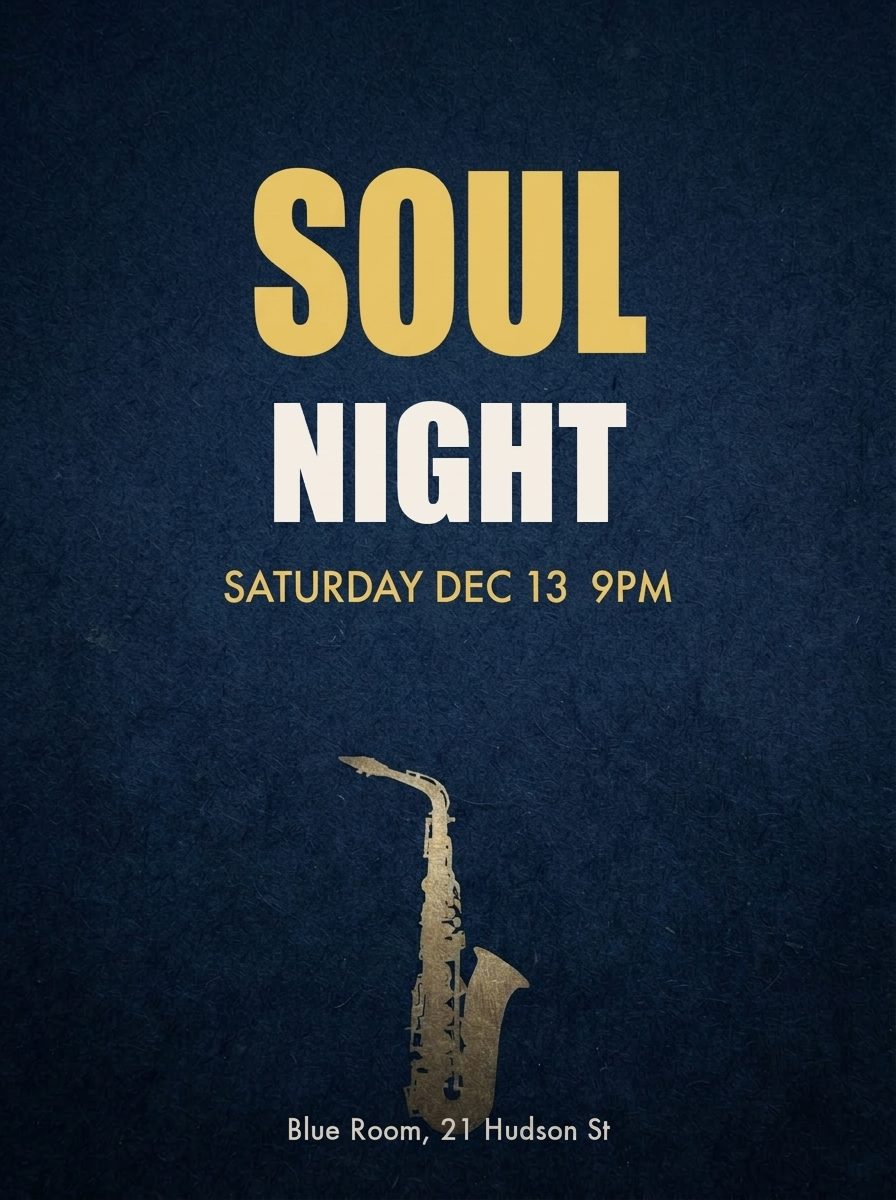 OriginalEdited
How to edit text in an image
- Step 1UploadDrop an image, paste a screenshot or a link. We find every line of text and where it sits.
- Step 2Click and typeClick the words you want to change and type the new text. Change several at once.
- Step 3DownloadGet a free watermarked preview, then download the full-resolution PNG or JPG.
Product photos
Change prices, sizes and labels on store images.
Screenshots
Fix a typo or update copy in an app or web screenshot.
Posters and banners
Reuse a design with a new date, offer or headline.
Translations
Swap the words for another language, same look.
Pricing
Pay for one image, or subscribe if you edit often.
Pro
$9.99 /month
- 15 images every month
- Full resolution, no watermark
- Buy extra images any time
- Cancel any time
Business
$29.99 /month
- 50 images every month
- Full resolution, no watermark
- Buy extra images any time
- Cancel any time
Your first preview is free. Extra image packs are available to subscribers and never expire.
Questions
How do I edit text in an image and keep the same font?
Upload the image, click the text you want to change and type the new words. retypeimage reads the original font, size, weight and color from the pixels and redraws your text to match, then repairs the background behind it.
Is it free?
Your first preview is free and needs no account. Previews carry a watermark. A full-resolution download costs $0.99 per image, or is included in the Pro and Business plans.
Will the rest of my image change?
No. Only the area around the words you edit is replaced. Every other pixel stays exactly as it was.
What images work best?
Screenshots, product photos, posters, banners and signs with clear printed text. JPG, PNG and WebP up to 10 MB. Handwriting and curved text work too, with more variation.
Which download formats do I get?
PNG or JPG at the original resolution, without a watermark, once the image is paid for or covered by your plan.
What happens to unused images on a plan?
Plan images refill every month and unused ones do not roll over. Extra image packs, available to subscribers, never expire.
Can I cancel or change my plan?
Yes, from the billing page. Upgrades apply right away and you only pay the difference for the rest of the period. Downgrades and cancellations take effect at the end of the period you already paid for.
Can I use it to alter documents or IDs?
No. Editing identity documents, certificates, receipts or anything meant to deceive is not allowed.